
A graphing calculator can do much more than you think. The TI-84 can handle everything from graphing, algebra, and statistics to trigonometry. Students, teachers, and even professionals use them. Many use these calculators for their math classes, tests, and everyday problems. This article will explain in detail what a TI-84 can do.
A TI-84 calculator can do everything from basic math to complex calculations. It can do graphing, statistics, algebra, matrices, trigonometry, and more. With a TI 84 calculator, you can graph, trace, and zoom in and out. You can also graph various types of equations and find intersections. If you do not have a physical calculator, you can also use a TI-84 calculator online to practice these functions.
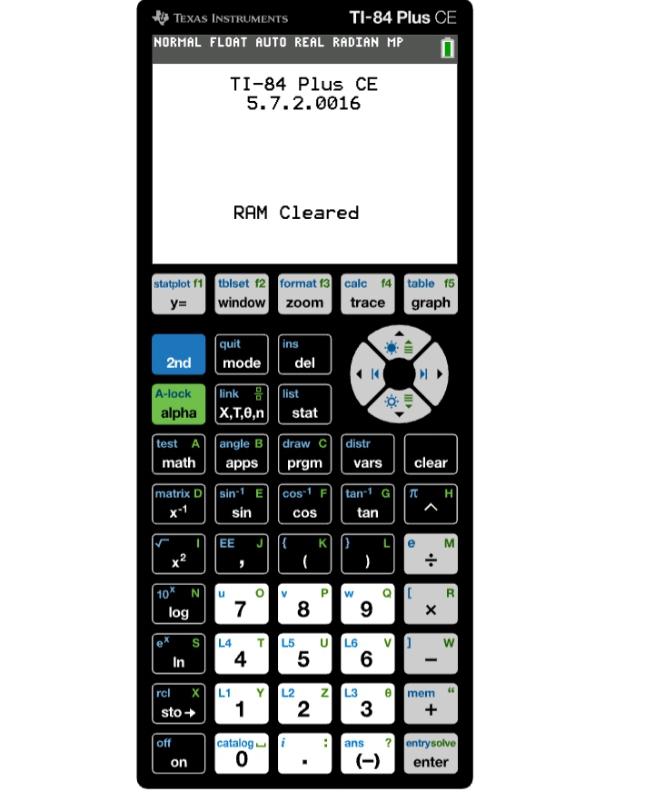
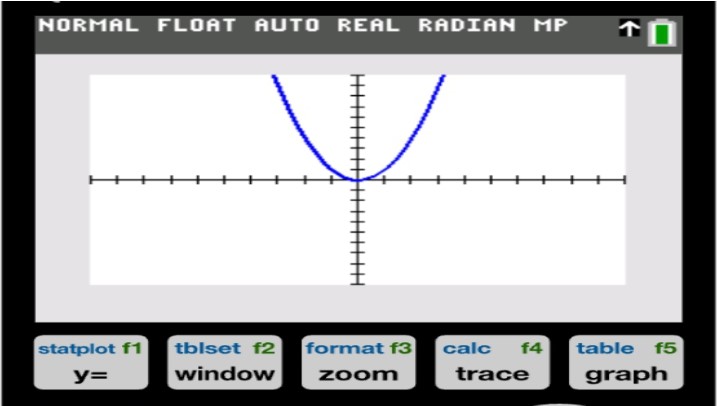
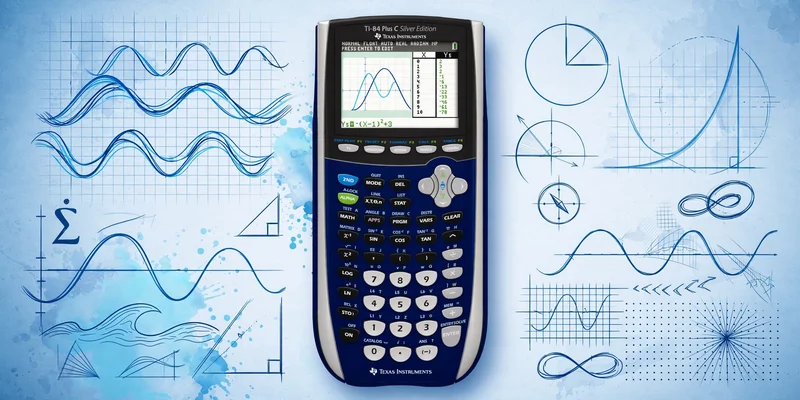
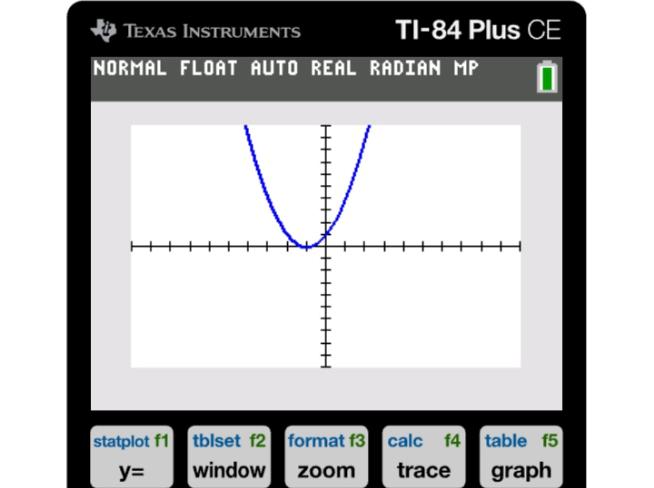
One of the most useful features of a TI 84 calculator is the graphing option. Simply enter your function in the Y= menu and press GRAPH to see your graph. For example, you can graph Y₁ = x² + 2x + 1 and view its table. You can also use Trace to find values for different x-values.
The TI 84 calculator allows you to graph multiple functions together. This makes it easier to compare two equations as well as find points of intersection.
Algebra becomes easier with this ti calculator as it helps in simplifying fractions, roots, and logarithms. It also helps in reducing complex equations.
Function | Example |
Square root | √49 = 7 |
Exponents | 3^4 = 81 |
Logarithm | log(100) = 2 |
Absolute value | |-9| = 9 |
Students can use a ti-84 calculator online to check their homework and practice different calculations. Simplifying complex expressions is the main purpose of this calculator.
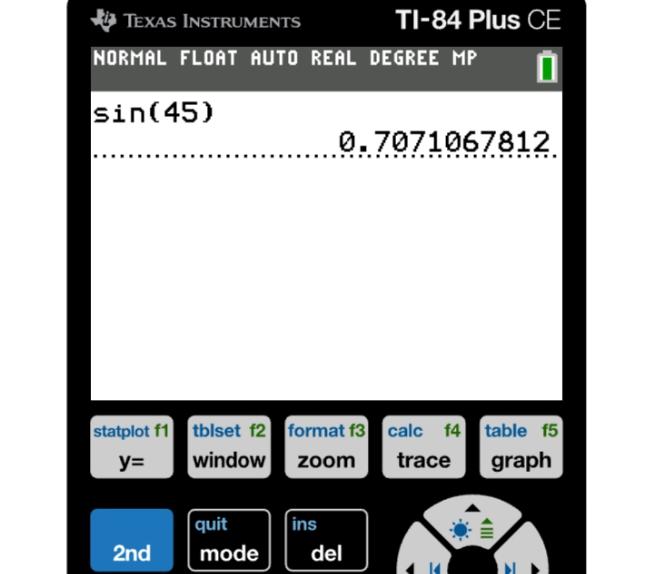
The TI-84 calculator has all the trigonometric functions like sine, cosine, and tangent. The calculator also has inverse trigonometric functions. Before using the calculator, make sure it is set to Degree or Radian mode.
For example, one can solve for the value of sine 45 or tangent 30. Inverse functions are also useful in determining the value of trigonometric functions.
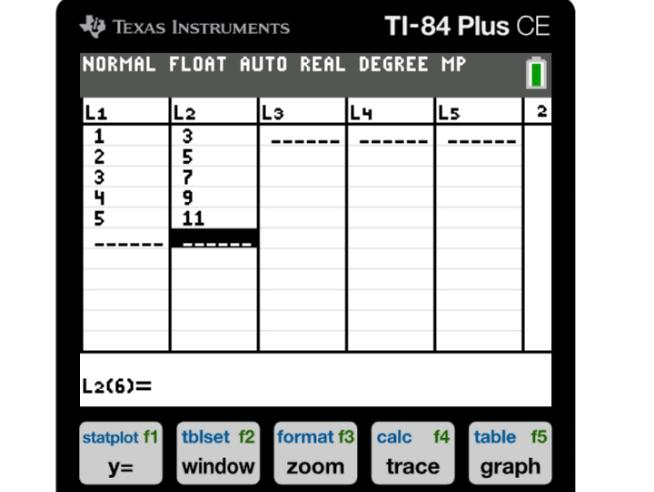
The TI 84 can analyze data using its STAT menu. The user can enter values into lists and perform calculations related to statistics. A graphing calculator can also be used to:
Using a TI 84 calculator online, students can practice these functions in a browser and learn how to use the STAT menu.
The graphic calculator is very powerful, but in order to unlock its potential, one needs to learn how to use it properly. TI-84 is a popular graphic calculator that can be used for performing matrix operations. The calculator allows the user to create matrices, edit existing ones, multiply them together, and find determinants.
On this device, it is possible to store numbers in lists in order to perform statistical calculations and other operations. It is possible to save the numbers as variables and recall them when needed. This feature can make calculations easier when the same numbers need to be used constantly.
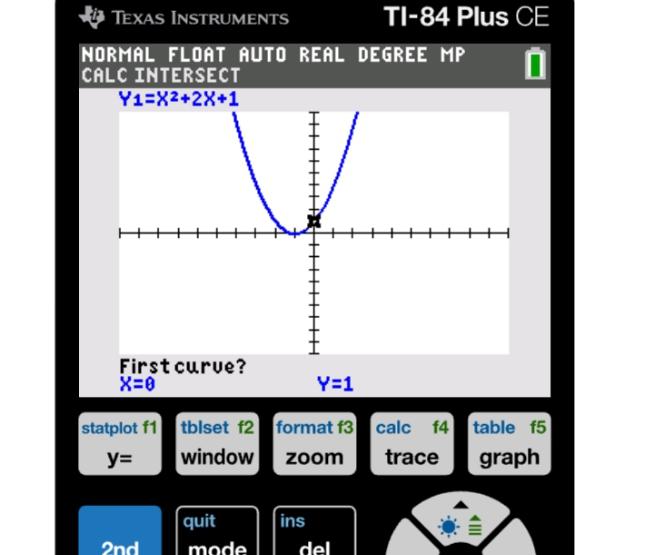
A TI 84 online calculator can help solve linear, quadratic, and polynomial equations. Graphing functions is also easier than doing calculations manually. You can find intersection points of two graphs using the intersect option in the calculator’s CALC menu.
The steps include:
2nd → CALC → Intersect
Once done, it will be possible to get the intersection of two graphs. This can help, for example, in comparing two equations.
The described calculator has numerous useful features of the graphing calculator online version. It can be used for:
The calculator can also perform numerical derivatives and integrals, which can be helpful in higher-level mathematics.
The TI-84 calculator can do far more than one would imagine. It can graph, analyze, solve, and perform trigonometry and statistical calculations. An online version of this tool allows one to access most of these functions quickly and easily.
One would benefit from learning the key functions of this calculator because they make the completion of one's mathematical problems easier and more comprehensible.
Yes, the tool can solve sine, cosine, tangent, and inverse functions.
This application runs on phones, tablets, and computers.
The latter has more memory and is faster than the former.
You can graph several equations on this tool and compare them.
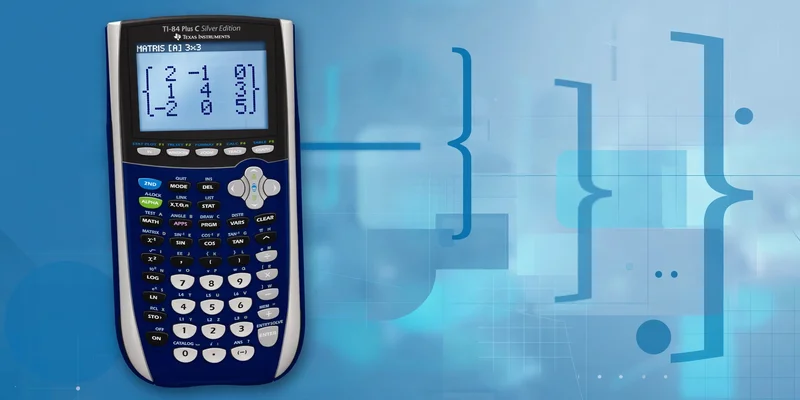
Matrices are essential in algebra, linear equations, and higher-level mathematics. Fortunately, a TI-84 calculator can perform a wide range of matrix opera...
TI-84 Calculator Online, along with the TI-83 Plus, TI-89 CAS graphing calculator, online graphing calculator and TI-30XS scientific calculator, provides students with versatile digital tools for solving equations, plotting graphs, and handling complex math problems. These calculators can be used directly in any browser without installation, making them perfect for math and science students looking for quick and easy solutions.


© 2026 — Revision. All Rights Reserved.