
The TI-84 calculator is widely used by students for solving math problems, graphing functions, and working with advanced equations. However, not everyone has access to a physical TI-84 device, and it can be expensive to buy. An online TI-84 calculator offers a simple and free alternative that works directly in your browser.
It allows users to perform the same functions without needing any installation. In this guide, you will learn what an online TI-84 calculator is and how to use it step by step to solve different types of math problems easily.
The TI-84 calculator online is a web-based version of the traditional TI-84 graphing calculator. It works directly in a browser and allows users to perform the same types of mathematical tasks without needing a physical device.
This includes solving equations, graphing functions, and handling algebra, trigonometry, and statistics problems. It is designed to replicate the layout and features of the original TI-84 so users can easily adapt to it. Since it is online, it can be accessed from laptops, tablets, or mobile devices without installation.
The TI-84 calculator online includes several important features that make it useful for students who need to solve math problems quickly and accurately. It is designed to replicate most functions of the physical TI-84 while being accessible through a web browser.
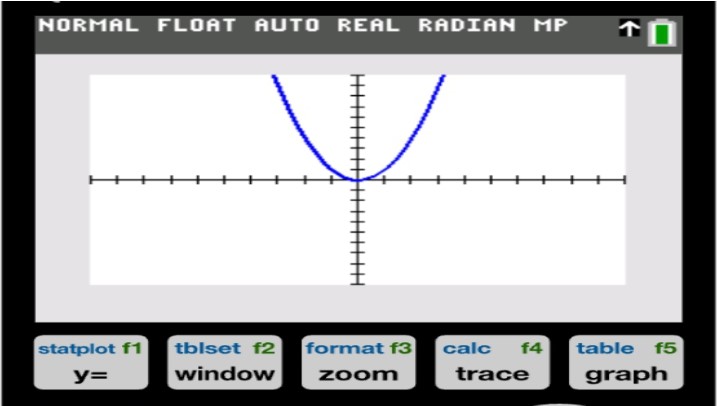
The online TI-84 calculator allows users to plot graphs of mathematical equations in real time. You can enter functions such as linear, quadratic, or polynomial equations and instantly see their visual representation on a coordinate grid. This helps in understanding how equations behave and how changes in values affect the graph.
It supports solving different types of algebraic equations, including linear and quadratic equations. Users can input expressions and get step-by-step solutions or final answers depending on the tool. This makes it easier to check homework and understand the process of solving problems.
The calculator includes basic statistical tools that help with data analysis. You can calculate values like mean, median, mode, standard deviation, and even perform simple regression analysis. These features are especially useful for statistics and data-related assignments.
It provides built-in trigonometric functions such as sine, cosine, tangent, and their inverse forms. These functions are commonly used in geometry, physics, and advanced mathematics. The online calculator helps users evaluate angles and solve trigonometry problems more efficiently.
The TI-84 calculator online is completely free to use, with no hidden charges or subscriptions. Users do not need to create an account or sign up to access its features.
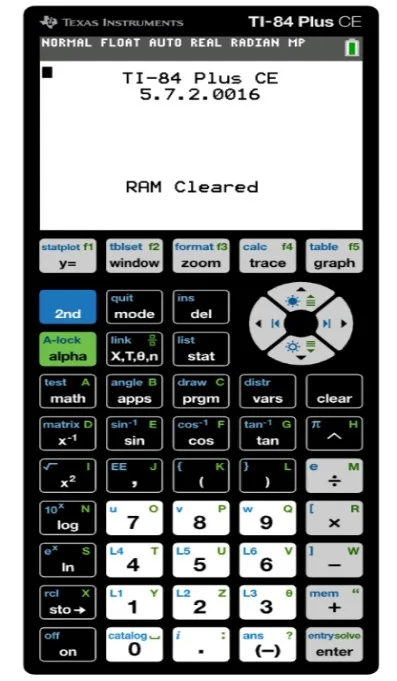
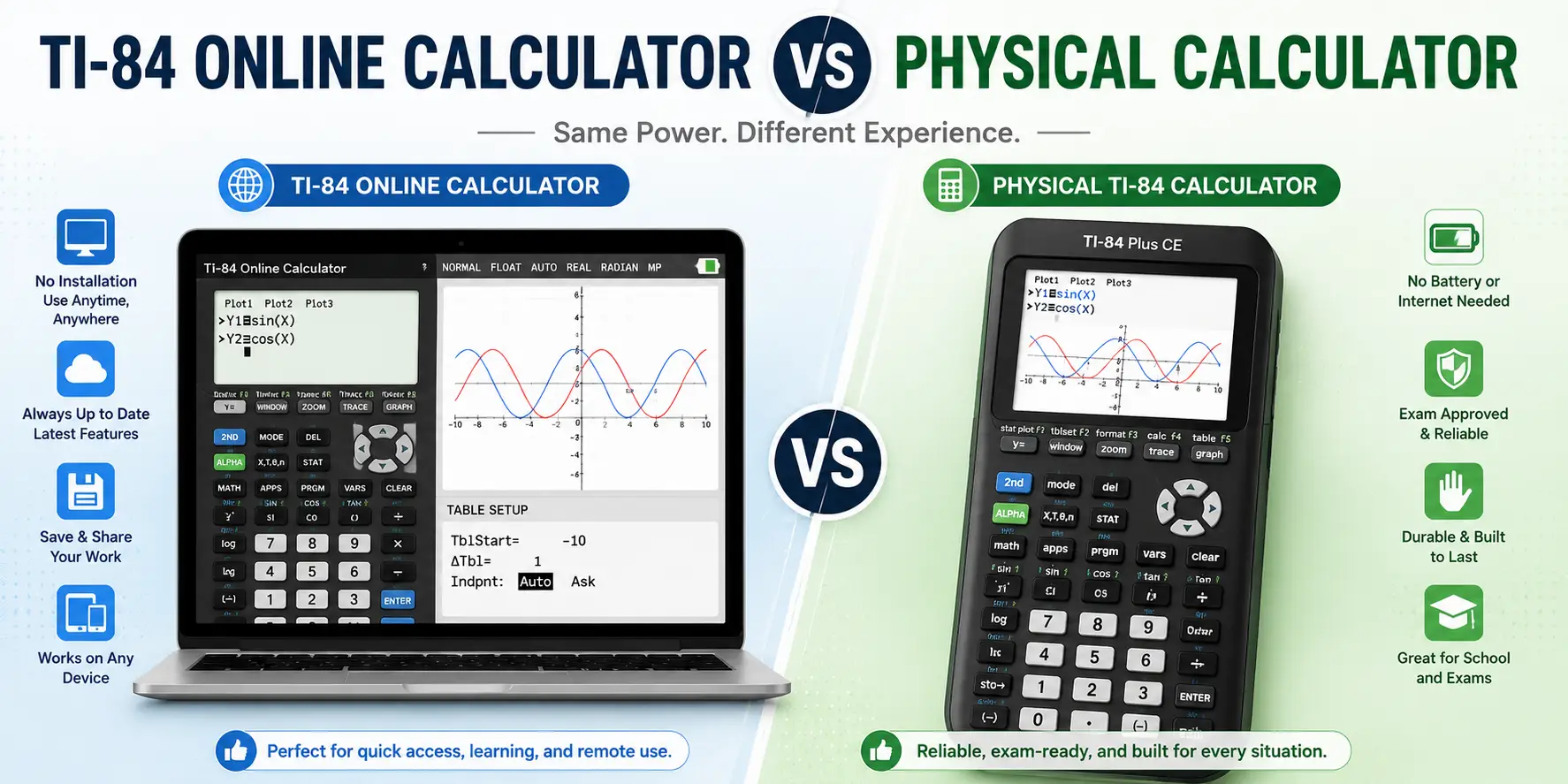
The interface is designed to closely match the physical TI-84 calculator, making it familiar for students who have used it before. Buttons, menus, and input methods are simple and easy to navigate. Since it runs in a browser, there is no installation required, and it can be used on different devices without setup.
Solving complex math equations with the TI-84 calculator online is simple and straightforward. Here’s how you can do it:
Start by opening the TI-84 calculator online in your web browser. Make sure the interface loads properly so you can access all the functions.
Carefully type your equation into the input area. This can include algebraic expressions, trigonometric functions, or polynomial equations. Make sure to use correct brackets and symbols to avoid errors.
If you are working with graphs or specific operations, choose the relevant mode, such as graphing or equation solving. This helps the calculator process your input correctly.
Click the solve option or graph function depending on your task. The calculator will process the equation and display either the final answer or a visual graph.
Check the output carefully. If it is a graph, observe the curve and key points. If it is a numerical solution, verify that it matches your expected result.
If the result looks incorrect, recheck your input and adjust any mistakes in symbols, brackets, or values before solving again.
This website provides different calculator tools to help users solve various types of math problems in one place. Here are their details:
The Graphing Calculator tool is used to plot and study mathematical functions on a coordinate plane. You can enter equations like linear, quadratic, or trigonometric functions and see their graphs instantly. This tool helps you understand how equations look visually, including points, curves, and intersections. It is useful for algebra, geometry, and other graph-based topics.
The TI-30XS Calculator is a scientific calculator tool used for general math calculations. It supports basic and intermediate operations such as fractions, square roots, exponents, percentages, and trigonometric functions. Unlike the graphing tool, it focuses on quick calculations instead of visual graphs, making it useful for everyday math work.
Using the TI-84 calculator online becomes easier and more effective when you follow a few simple practices that help you avoid errors and improve accuracy. Here are some tips that you can follow for this:
· Always double-check your input before solving to make sure brackets, symbols, and numbers are entered correctly.
· Use parentheses properly when working with complex equations to avoid incorrect results.
· Switch to the correct mode (graphing, algebra, or statistics) depending on the type of problem you are solving.
· Break down long or complex equations into smaller parts if you are unsure about the setup.
· Review graphs carefully by checking key points like intercepts and slopes.
· Recalculate your answer if something looks unusual or inconsistent.
· Practice regularly with different types of problems to become more comfortable with the calculator’s functions.
The TI-84 calculator online provides a simple and free way for students to solve complex math problems without needing a physical device. It supports graphing, algebra, statistics, and trigonometry, making it useful for different levels of math.
With easy access through a browser and no sign-up required, it is convenient for quick use and practice. By following the steps and tips in this guide, users can solve equations more efficiently and improve their understanding of mathematical concepts.
It depends on your school or exam board rules. Many exams do not allow online calculators, so always check before using it.
No installation is required because it works directly in your web browser. You just need an internet connection to access it.
Yes, it provides accurate results for most standard math problems. However, correct input is important to avoid errors.
It can handle algebra, trigonometry, statistics, and graphing tasks. Some very advanced problems may still require manual steps or other tools.
Yes, most online TI-84 calculators are completely free. You usually do not need to sign up or pay anything to use them.
TI-84 Calculator Online, along with Graphics Calculator and TI-30XS Calculator Online, provides students with versatile digital tools for solving equations, plotting graphs, and handling complex math problems. These calculators can be used directly in any browser without installation, making them perfect for math and science students looking for quick and easy solutions.


© 2026 — Revision. All Rights Reserved.