

The TI-84 calculator is widely used by students for solving math problems, graphing functions, and analyzing data in algebra and statistics. With the availability of online TI-84 calculators, users can now access these tools directly from a browser without needing a physical device.
This makes it easier to practice and learn math anytime. In this guide, you will learn how to use a TI-84 calculator online for graphing equations, solving algebra problems, and working with statistical data in a simple and practical way.
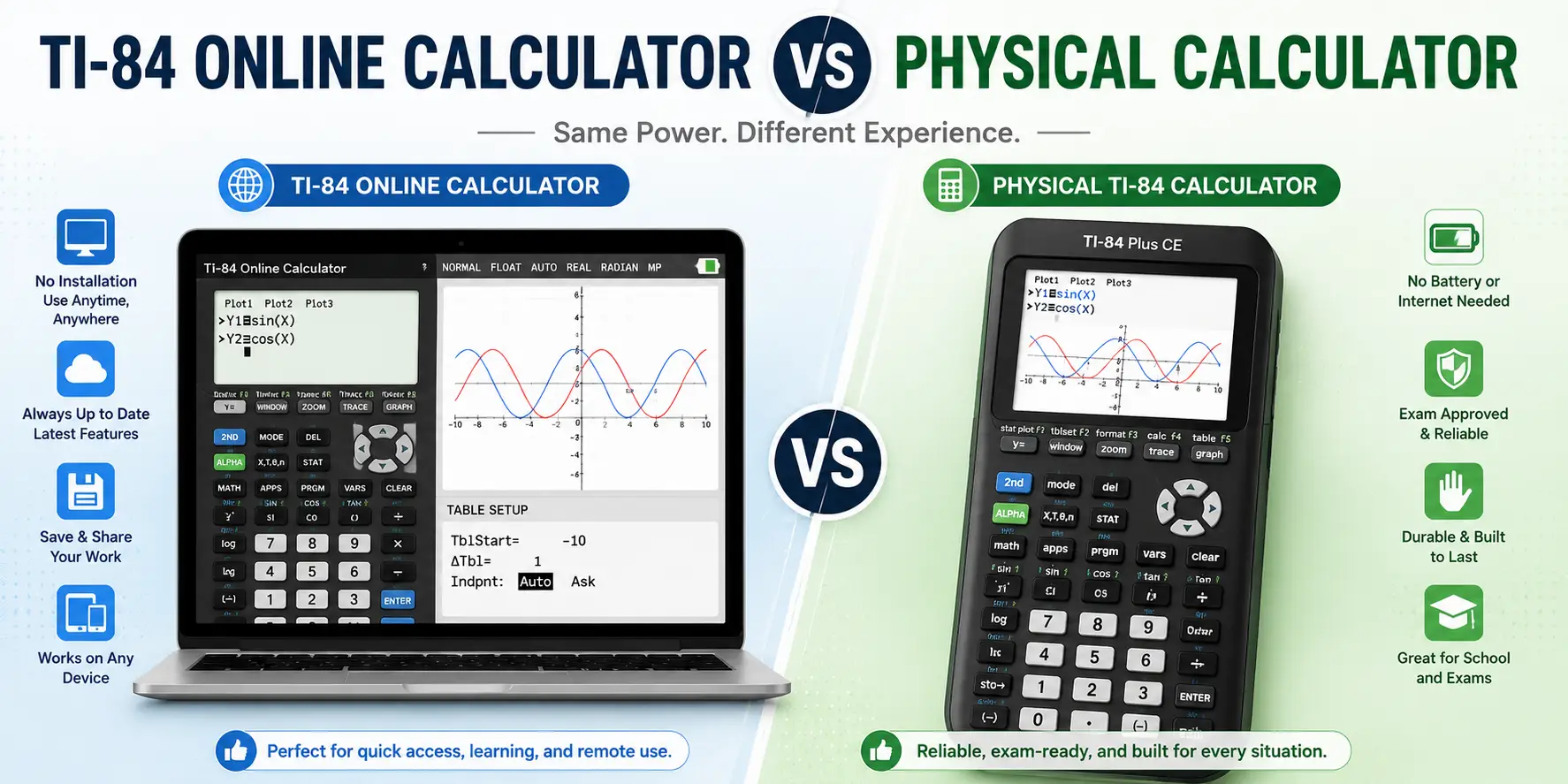
The TI-84 Calculator Online is a web-based version of the traditional TI-84 graphing calculator used in schools and colleges. It replicates the same functions as the physical device, allowing users to perform graphing, algebra, and statistical calculations directly in a browser.
Students can enter equations, plot graphs, and analyze data without needing to buy or carry a physical calculator. This online version is especially useful for quick access, practice, and learning math concepts in an interactive and convenient way.
The TI-84 Calculator Online offers a range of useful tools that replicate the functions of a physical graphing calculator. It is designed for students who need quick access to math-solving features directly in their browser without installing any software.
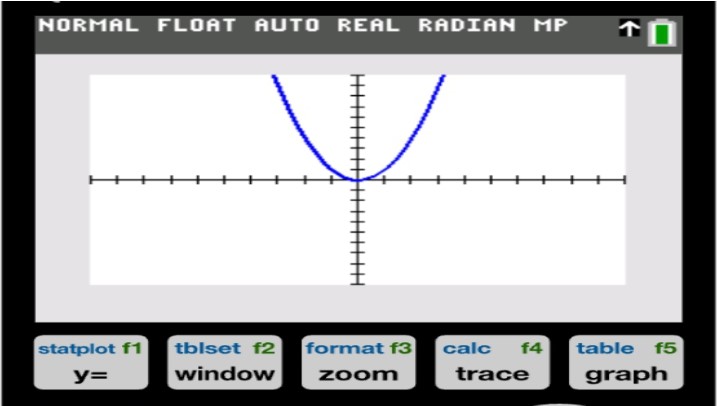
The online TI-84 allows users to graph a wide variety of mathematical functions, including linear, quadratic, exponential, and polynomial equations. Users can enter equations and instantly view their graphs on the screen.
It also provides options to adjust the viewing window, zoom in or out, and analyze key points like intercepts and intersections, making it easier to understand how functions behave.
This feature helps users solve algebraic problems such as equations, expressions, and systems of equations. Students can input variables and equations to find solutions step by step, which makes learning algebra more structured and easier to follow.
It is useful for both basic practice and more advanced problem-solving.
The calculator includes built-in statistical tools that allow users to analyze data sets. You can calculate values such as mean, median, mode, variance, and standard deviation. It also helps in organizing data visually through lists and simple plots, which is useful for understanding trends and patterns in statistics.
The table function allows users to input equations and view corresponding output values in a structured format. This helps in analyzing how a function changes with different inputs. It is especially helpful for identifying patterns, testing values, and supporting graph-based learning.
In addition to graphing and algebra, the TI-84 online calculator also supports standard scientific functions. These include trigonometric calculations, logarithms, exponents, and fractions. It works as an all-in-one math tool for both basic and advanced calculations.
One of the most convenient features of the online TI-84 calculator is that it is completely free to use.
Users do not need to create an account or log in to access its functions. This makes it quick to open and start using immediately, which is especially helpful for students during study sessions or practice work.
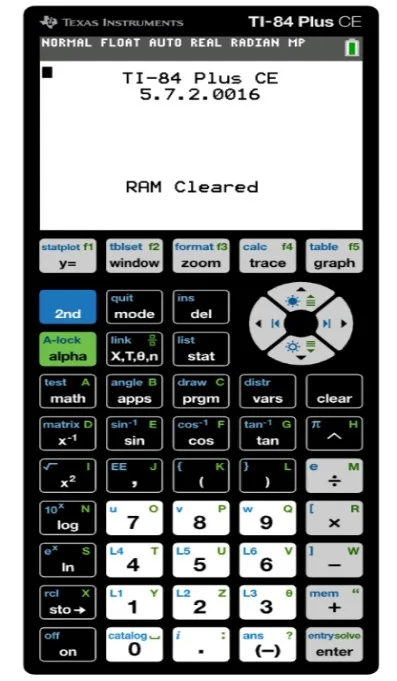
The online version is designed to closely match the layout of the physical TI-84 calculator. The buttons, menus, and display are organized in a way that feels familiar to students. This makes it easier for beginners to learn and use the calculator without a steep learning curve.
Using the TI-84 Calculator Online for graphing is simple once you understand the basic steps. It allows you to enter mathematical functions and visualize them instantly on a coordinate plane, which helps in understanding how equations behave.
Start by opening the TI-84 calculator on your browser. Once the calculator loads, you will see different modes or options available for calculations. Select the Graphing mode to begin working with graphs.
In the graphing section, input your function into the equation field. You can enter linear equations like y = 2x + 3, quadratic functions like y = x², or any other supported expression. Make sure the equation is typed correctly to avoid errors in the graph.
After entering the equation, adjust the viewing window if needed. You can change the x-axis and y-axis range to zoom in or out and get a clearer view of the graph. This helps you focus on specific parts of the function.
Once everything is set, the calculator will plot the graph automatically. You can now see how the function behaves visually, including curves, slopes, and intersections.
Use the built-in tools to identify important points on the graph, such as x-intercepts, y-intercepts, and intersection points between multiple graphs. This helps in solving equations and understanding relationships between functions.
The TI-84 Calculator Online can be used to solve a variety of algebra problems directly from its main interface. You do not need a separate mode for algebra, as most calculations are performed using the Home Screen and built-in math functions.
Start by opening the TI-84 calculator in your browser. Once it loads, you will see the main Home Screen, which is where most algebra calculations are entered and solved.
Type your algebraic expression carefully using correct symbols, numbers, and parentheses. For example, you can enter expressions like 2x + 5 = 15 or other equations depending on the problem. Proper formatting is important to ensure accurate results.
Use the calculator’s solving features or step-by-step calculation approach to find the value of unknown variables. It can help with linear equations, quadratic equations, and basic systems of equations depending on the available functions in the online version.
You can also use the TI-84 online calculator to simplify algebraic expressions. By entering complex expressions, the calculator helps reduce them into simpler forms, making it easier to understand and work with the results.
The calculator allows you to replace variables with specific values to evaluate expressions. This is useful for checking answers and solving multi-step algebra problems more efficiently.
The TI-84 Calculator Online provides useful statistical tools that help you organize data, perform calculations, and analyze results quickly. It is commonly used for school-level statistics, including averages, data distribution, and variability.
Start by opening the TI-84 calculator in your browser.
Input your data values into the calculator’s list feature (such as L1, L2, etc.). Each list represents a set of values, and you can organize different data groups for comparison or analysis.
Use the built-in statistical tools to find key values such as mean, median, mode, range, variance, and standard deviation. These measures help summarize and understand the overall dataset.
The TI-84 online calculator can display data visually using graphs such as histograms, box plots, and scatter plots. These visual tools make it easier to identify patterns and trends in the data.
For comparing two variables, you can use scatter plots and regression tools to understand relationships between data sets. This is useful for identifying correlations and making predictions based on data trends.
This website provides multiple calculator tools in one place to help users solve different types of math problems. Each tool is designed for a specific purpose, allowing users to switch between functions easily depending on their needs.
The Graphing Calculator tool is used to plot and analyze mathematical functions. Users can enter equations and instantly view their graphs on a coordinate plane. It helps in understanding function behavior, including slopes, intercepts, and intersections, through a clear visual representation.
The TI-30XS Calculator is a scientific calculator tool designed for general math calculations. It supports operations such as fractions, exponents, trigonometry, and basic arithmetic. This tool is useful for quick and accurate calculations without needing graphing or data visualization features.
The TI-84 Calculator Online is a practical and accessible tool for students who want to solve math problems without needing a physical calculator. It supports key areas such as graphing, algebra, and statistics in a simple and interactive way.
By using it directly in a browser, users can practice equations, analyze data, and understand mathematical concepts more effectively. Overall, it is a useful learning resource for both beginners and advanced students.
TI-84 Calculator Online, along with Graphics Calculator and TI-30XS Calculator Online, provides students with versatile digital tools for solving equations, plotting graphs, and handling complex math problems. These calculators can be used directly in any browser without installation, making them perfect for math and science students looking for quick and easy solutions.


© 2026 — Revision. All Rights Reserved.