
A graphing calculator can be slow to use if you do not know its many shortcuts. While the TI-84 calculator is very powerful, most students only use a small percentage of the functions that the calculator has.
\nKnowing a few simple TI 84 graphing calculator shortcuts can help you save valuable time when completing homework, tests, and projects. The following tips can help you make the most of your TI-84 calculator. They work for both physical and online calculators.
\nEvery graphing calculator has hidden menus and shortcut keys that most people don't take the time to discover. Knowing these shortcuts can make the calculator easier and faster to use. They are helpful for solving equations, graphing functions and analyzing statistics. This can be especially important during exams and tests when time is precious.
\nSave time during tests or homework
\nPrevent mistakes when entering equations
\nMake graphing and solving equations easier
\nThese shortcuts also help students work more confidently, especially when they need to switch between different calculator functions quickly.
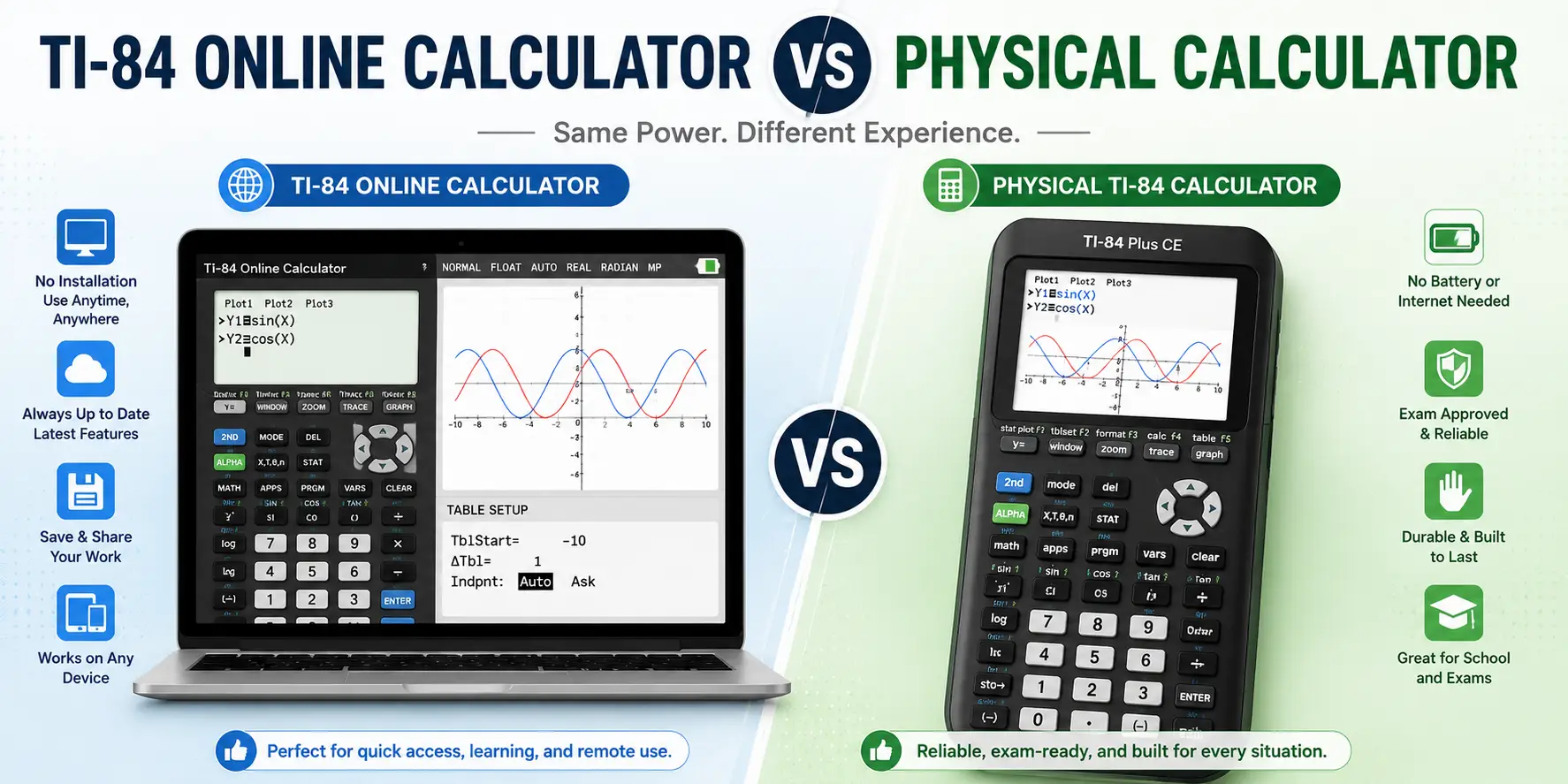
\nNot everyone has the luxury of having a device on hand. The TI-84 calculator online acts exactly like the physical one, with full functionality straight from the browser. Many students use a ti 84 online when they do not have their physical calculator nearby.
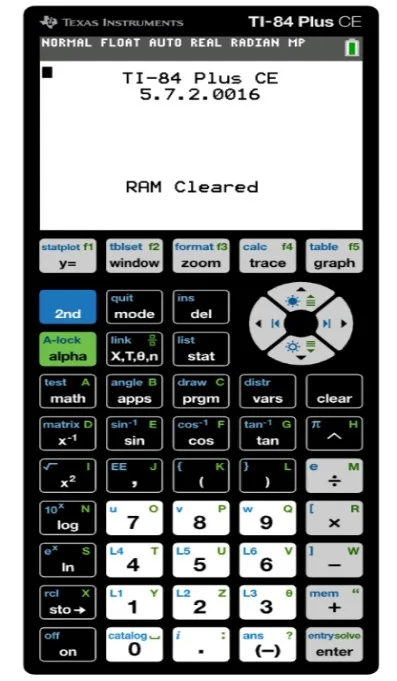
\nAn online graphing calculator can also be useful for quick calculations when a physical calculator is not available. An online Texas Instruments TI-84 has buttons arranged similarly to the physical calculator, so switching between the two feels natural — the interface is nearly identical.
\n|
\n Task \n |
\n
\n Shortcut keys \n |
\n
|
\n Clear the screen \n |
\n
\n Clear \n |
\n
|
\n Access last answer \n |
\n
\n 2ND then (-) \n |
\n
|
\n Open graph menu \n |
\n
\n Y= \n |
\n
|
\n Adjust window settings \n |
\n
\n WINDOW \n |
\n
|
\n Access statistics menu \n |
\n
\n STAT \n |
\n
|
\n Find table of values \n |
\n
\n 2ND then GRAPH \n |
\n
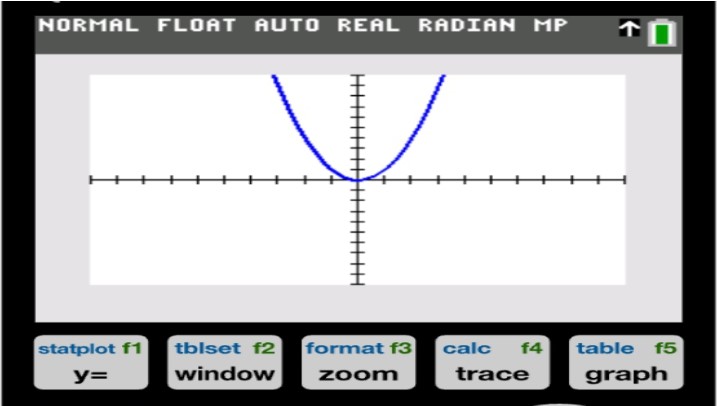
Graphing is one of the most used functions on any ti-84. Instead of constantly adjusting the axes for the graph to display properly, there is a much faster way. Navigate to the ZOOM menu, and select either ZoomFit or ZoomStandard to tell the calculator to adjust the axes for you. This is a much faster way to graph equations, especially when you do it every time you plot a function.
\nThis shortcut is useful when checking several functions during homework or practice. When using a graphing calculator for the first time, it is best to start simple. To quickly graph simple functions, type in your equation into Y=, and then press GRAPH. This is the fastest way to see a graph of any function on the TI-84 graphing calculator.
\nThe TI-84 calculator provides numerous mathematical functions for performing the calculations of different problems. The MATH menu offers a variety of common functions and powerful operations to choose from and use. One can perform calculations ranging from square root, power, derivative, integral, and other mathematical functions.
\nTo use one, select the desired function, enter the values, and press ENTER to see the result.
\nStatistics problems are easy when you use the STAT menu to your advantage. You can enter your data list and then go to STAT, CALC to find all the solutions. This saves time compared to doing it all manually. You can review your data quickly without repeating each calculation. This makes the STAT menu useful for homework and practice.
\nUse STAT to enter your data lists fast
\nUse CALC to get to your calculations directly
\nUse TRACE to step through your data points on a graph
\nThe steps are the same, whether you are using an actual device or using the graphing ti-84 calculator online. These features are especially helpful when working with large sets of data.
\nMany students choose between a physical TI-84 and an online TI-84 graphing calculator. Both have their benefits, and which one is better can depend on the situation.
\nA physical TI 84 calculator is needed for most standardized tests.
\nAn online graphing calculator would be good for practicing and doing homework.
\nA TI-84 calculator app can be useful for daily practice, letting you review functions anytime without carrying the physical device.
\nBefore any test, it is important to check which calculators are allowed. For practice, a TI-84 online would be very good.
\nMastering your graphing calculator can take some practice, but it is well worth the effort. Once you know these shortcuts on your TI-84 calculator, or even a TI 84 calculator online, you will wonder how you ever got along without them.
\nPractice using these math shortcut tricks on a regular basis to become proficient at using them. In no time, math work will be whizzing by your fingertips with ease.
\nUsing the calculator, you will be able to solve equations, graph function, perform statistical calculations, etc.
\nGraph calculators can help students, for instance, to visualize functions and quickly resolve complex mathematical problems.
\nThe best online graphing calculator should include all the basic functions that are available in a regular calculator.
\nStudents can do their homework, including graphing, equations, statistics, and others with a TI graphing calculator.
\nA graphing calculator online allows having a calculator application in the computer to perform calculations.
\nNote: most of these shortcuts also work on our TI-83 calculator online, which shares the TI-84's layout. For a complete key reference, see the TI-84 manual.
What We Are?
TI-84 Calculator Online, along with the TI-83 Plus, TI-89 CAS graphing calculator, online graphing calculator and TI-30XS scientific calculator, provides students with versatile digital tools for solving equations, plotting graphs, and handling complex math problems. These calculators can be used directly in any browser without installation, making them perfect for math and science students looking for quick and easy solutions.


© 2026 — Revision. All Rights Reserved.